
Welcome to Makalu Mountaineers
Your guide to understanding computer software
Your guide to understanding computer software
Computer software is a collection of data or computer instructions that tell the computer how to work. This includes all the applications and operating systems that run on a computer or other device.
The operating system manages the computer's hardware and software resources, providing services for application software. Examples include Windows, macOS, and Linux.
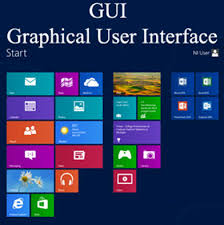
Graphical User Interface (GUI) environments allow users to interact with the computer using visual elements like icons, windows, and dialog boxes.

System software also includes tools for managing files and folders, organizing data, and maintaining system efficiency.

Language processors convert high-level programming languages into machine language. This includes compilers, interpreters, and assemblers.
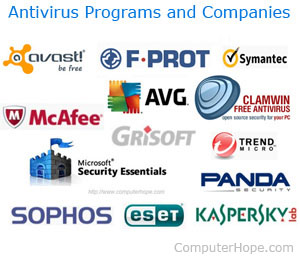
Antivirus programs protect against malware and other threats. Examples include Norton Antivirus and McAfee.
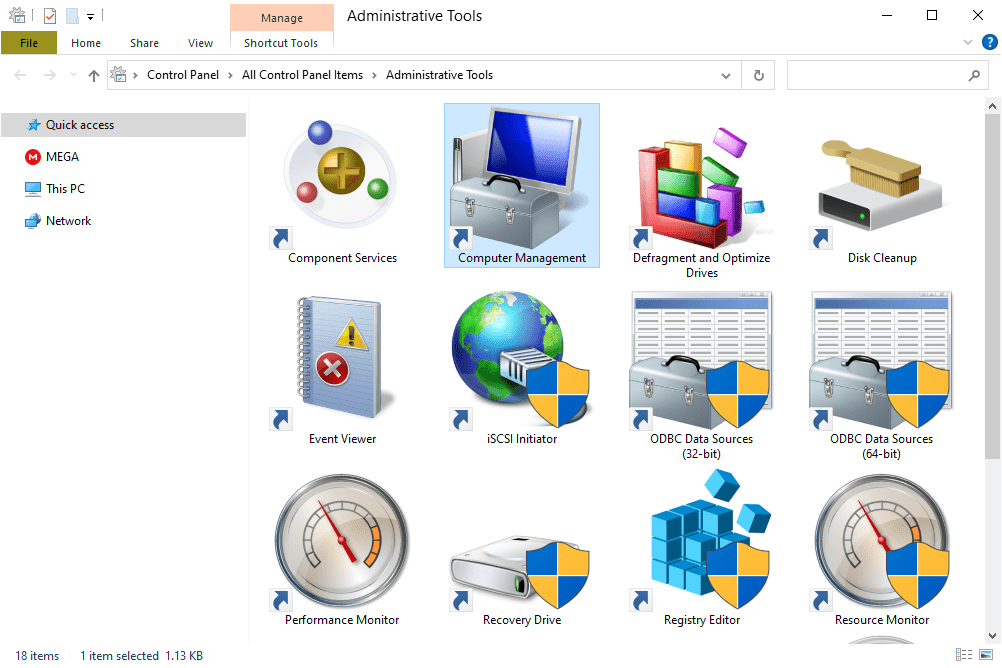
Disk management tools help manage hard drive space and performance. Examples include Disk Cleanup and Partition Magic.

Backup software automatically backs up files and data. Examples include Acronis True Image and Windows Backup.
System monitoring tools track the performance and health of a computer. Examples include Task Manager and CPU-Z.

Linux is an open-source operating system that's known for its stability, security, and flexibility. It’s widely used in servers, desktops, and mobile devices.
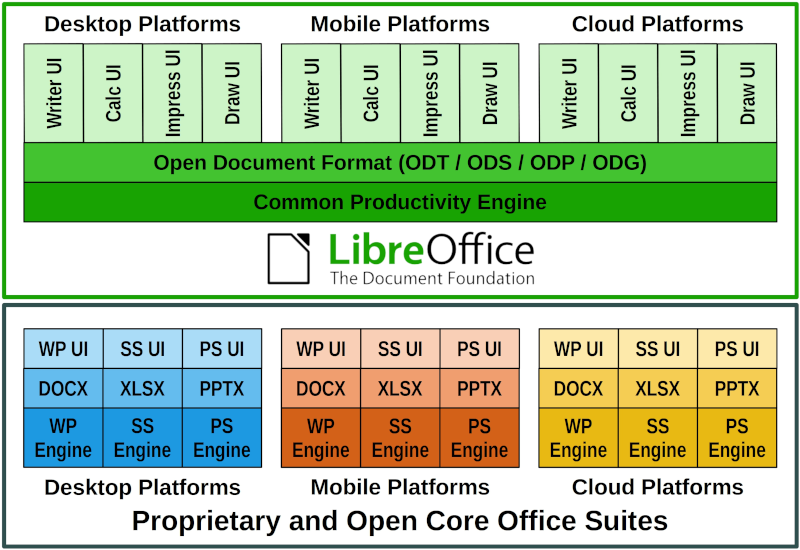
LibreOffice is a free and open-source office suite that includes applications for word processing, spreadsheets, presentations, and more.

GIMP is an open-source image editor, often considered a free alternative to Adobe Photoshop, used for tasks like photo retouching, image composition, and image authoring.

Mozilla Firefox is an open-source web browser that offers privacy features and supports a wide range of extensions for a customized browsing experience.
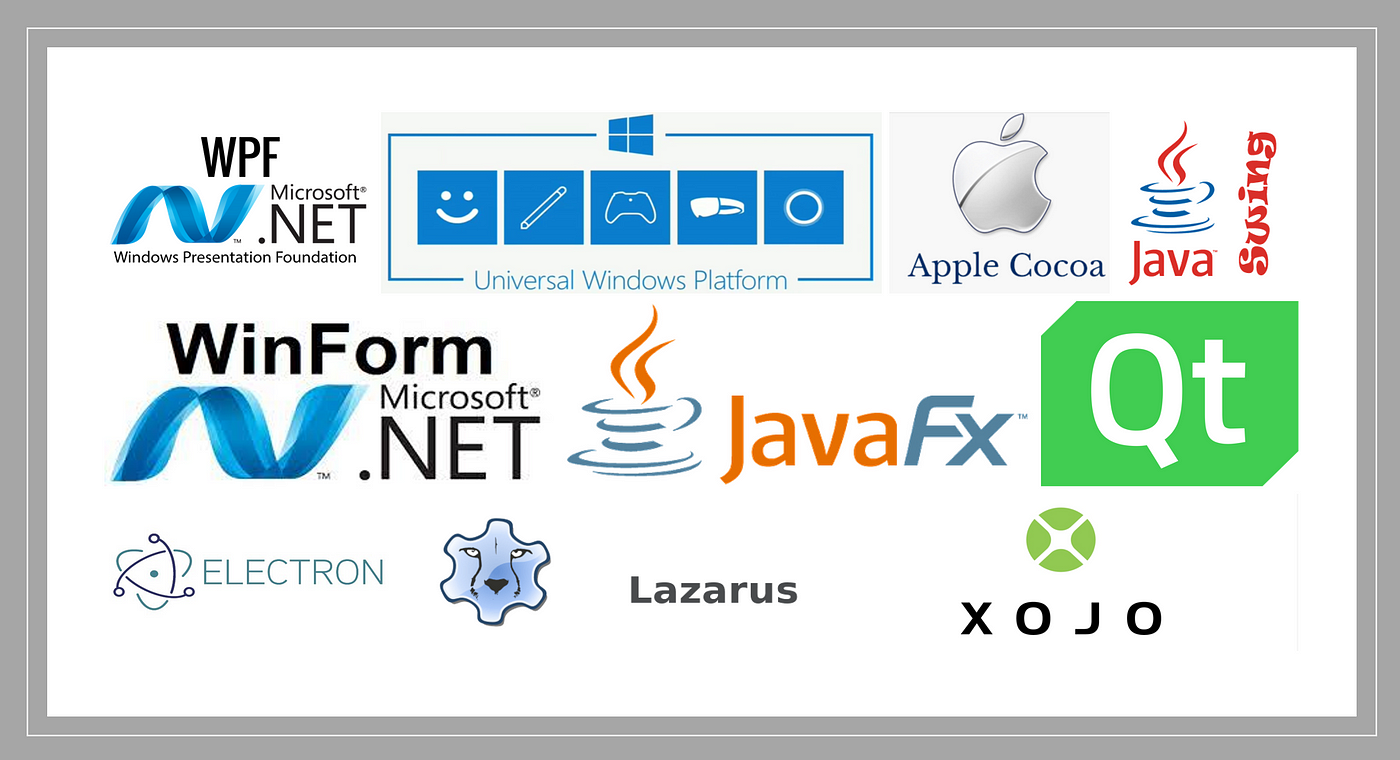
Desktop apps are software installed directly on a computer. They often offer more robust features and can work offline. Examples include Microsoft Excel and Adobe Photoshop.
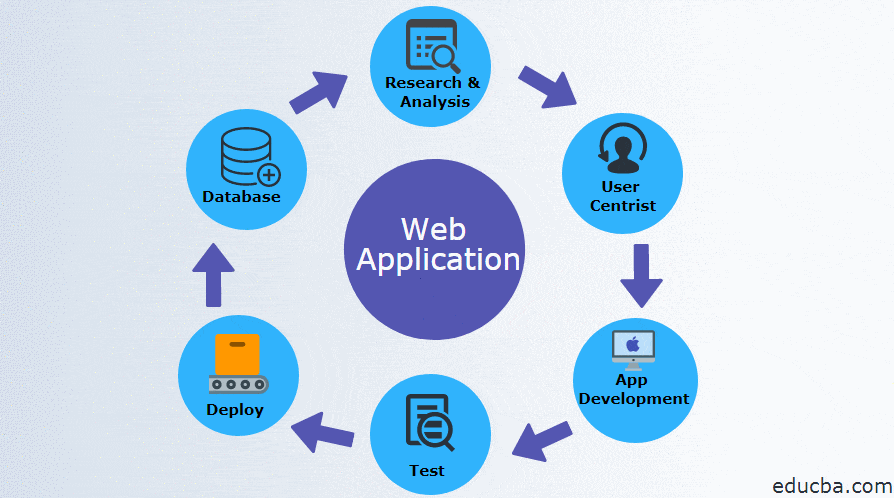
Web apps are accessed through a browser and require an internet connection. They are accessible from any device. Examples include Google Docs and Canva.